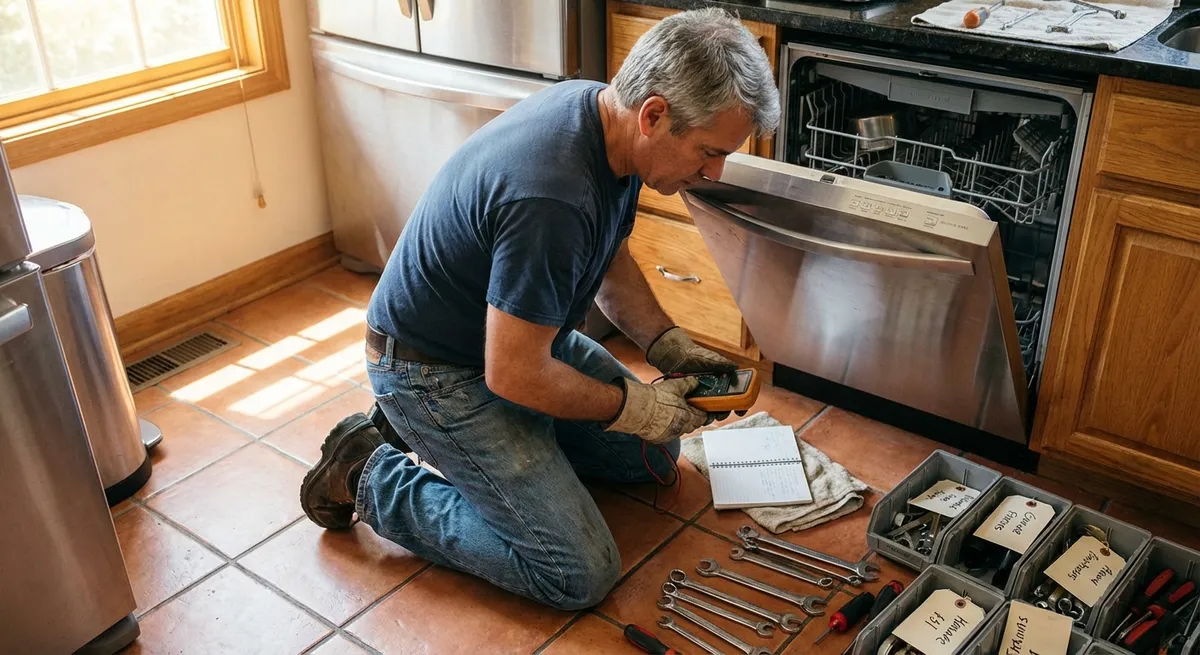
If you like fixing things instead of tossing them, your appliances are a goldmine of DIY opportunities. You don’t have to be an engineer to solve common problems—just know where to look, what to check, and when to stop and call in a pro.
This guide walks through five practical, step‑by‑step repair routines that come straight from what appliance techs do on real service calls. Learn these patterns and you’ll troubleshoot faster, waste less time guessing, and get more life out of your gear.
1. The “No Power” Routine: When an Appliance Won’t Turn On
Before assuming anything is fried, walk through a structured power check. This same routine works for microwaves, dishwashers, ranges, fridges, and more.
- Confirm the outlet is live.
Plug in a known‑working device (like a lamp or phone charger). If it doesn’t power on, you likely have an outlet, circuit breaker, or GFCI issue—not an appliance problem.
- Check the breaker and GFCI.
Go to your electrical panel and look for a tripped breaker (lever between ON and OFF). Flip it all the way OFF, then back ON. If there’s a GFCI outlet on the same wall or nearby, press RESET. Many “dead” appliances are actually victims of tripped protection.
- Inspect the power cord and plug.
Unplug the appliance and look for melted plastic, kinks, cuts, or crushed areas. Lightly flex the cord—if you see sparking or feel heat when it’s plugged in (stop immediately), the cord needs replacement, not a deeper repair.
- Verify the door or lid switch.
Many appliances (microwaves, washing machines, dryers) won’t run if the door switch fails. Gently press the door switch with your finger—listen for a click. No click or a loose wiggly feel can mean a failed switch that needs to be replaced.
- Look for reset buttons or internal fuses (if accessible).
Some appliances (like garbage disposals or certain dishwashers) have a reset button on the body. Press it firmly. For models with user‑serviceable fuses (check the manual), you can visually inspect for a blown fuse and replace with the exact same type and rating.
If you still have no power after these checks—and the appliance is more complex (microwave, induction range, or high‑end oven)—that’s typically the point where DIY safely stops and professional diagnosis starts, due to high‑voltage components inside.
2. The “Won’t Wash or Clean Right” Checklist for Dishwashers
A dishwasher that runs but leaves grit, film, or food behind usually has a simple, fixable cause. Walk this process before you assume it’s junk.
- Clean the filter and sump area.
Remove the bottom rack. Twist or lift out the filter assembly (most modern dishwashers have an easily removable filter). Rinse with warm water and a bit of dish soap. Clear any gunk, seeds, glass, or debris from the sump area underneath.
- Inspect spray arms for clogs.
Pull off the spray arms (they usually snap or unscrew). Hold them under a faucet and look for blocked holes—use a toothpick or soft brush to clear mineral buildup or food particles. Rinse thoroughly and reinstall.
- Verify water temperature and detergent.
Run your kitchen sink on hot for 30–60 seconds before starting a load; this gets hot water to the dishwasher faster. Check your detergent type and amount—too much powder or pods in soft water zones can cause residue and cloudy film.
- Check loading habits.
Avoid blocking the spray arms with tall pans or boards. Make sure dishes don’t nest together. Bowls should face the spray, not stacked flat. Overloading is a major reason for poor cleaning, even in expensive machines.
- Run a cleaning cycle.
Use a dishwasher cleaner or a cup of white vinegar on the top rack and run a hot cycle (empty machine). This helps clear grease, soap scum, and mineral deposits that reduce performance.
If performance still stinks, you may be dealing with weak water supply, a failing circulation pump, or a stuck inlet valve—repairs that are still DIY‑possible but require part‑specific instructions and access to the underside of the machine.
3. The “No Cool, No Freeze” Refrigerator Triage
When a fridge isn’t cold enough, a few structured checks can tell you whether it’s a simple airflow issue or a deeper sealed‑system problem.
- Listen and feel for basic operation.
Open the door: do you feel any cool air at all? Step back and listen: is the compressor (a low hum) or fan running? Silence plus warm interior often means a power or control issue. Humming but still warm often points to airflow or frost problems.
- Check temperature settings and modes.
Verify it’s not accidentally set to “demo” or “vacation” mode (common in modern models). Make sure the temperature controls didn’t get bumped warmer. Return to standard mode and normal recommended temps (typically around 37–40°F / 3–4°C for fridge, 0°F / –18°C for freezer).
- Inspect door seals (gaskets).
Close a thin sheet of paper or a dollar bill in the door and gently tug. If it slides out easily all around the door, your gasket may not be sealing. Look for cracks, splits, food buildup, or gaps. Clean with warm soapy water and dry thoroughly; replace if damaged.
- Check for blocked vents and overcrowding.
Cold air must flow between freezer and fridge sections. Move food away from back walls and internal vents. Avoid packing the fridge so tight that air can’t circulate—especially in front of vents and in the freezer.
- Inspect for frost buildup and dirty coils.
Heavy frost on the back freezer wall or around vents usually signals a defrost problem or door seal issue. Unplug the fridge and do a full manual defrost (open doors, towels ready) for 24 hours, then restart and monitor.
Also pull the fridge out (if safe to do so) and vacuum the condenser coils under or behind it—dust‑clogged coils make cooling inefficient.
If, after cleaning, defrosting, and correcting airflow, the fridge still struggles to cool, you may have a failing fan, defrost heater, thermostat, or sealed‑system leak—items that usually justify a professional estimate before deciding whether to repair or replace.
4. The “No Spin or Won’t Drain” Washing Machine Plan
Most washer complaints boil down to not spinning, not draining, or leaving clothes soaked. Before blaming the control board, rule out the usual suspects step by step.
- Confirm the load and lid/door.
Overstuffed or heavily unbalanced loads can prevent proper spin. Redistribute clothes and try again. Also check that the lid/door closes fully—inspect the latch or lock for damage. Many washers won’t spin if they “think” the lid is open.
- Check the drain hose.
Look behind the washer: ensure the drain hose isn’t kinked, crushed, or inserted too far down the standpipe (which can cause siphoning). Straighten it out and position it according to your manual’s recommended height and depth.
- Clean the pump filter (for models that have one).
Front loaders often have an access door near the bottom front. Place a shallow pan and towels under it. Slowly unscrew the filter cap; water will drain out. Remove coins, lint, hair, or debris, then reinstall the filter snugly.
- Run a drain/spin cycle empty.
After clearing the filter and hose, run a drain or spin‑only cycle with no clothes. Listen: if you hear the drain pump humming but no water moves, you may still have a clog in the hose or pump. If you hear nothing, the pump itself could be failed.
- Inspect for obvious belt or pulley issues (top loaders).
Unplug the washer and remove the rear or bottom panel if your model allows easy access. Examine the drive belt for cracks, glazing, or breakage. A fallen or broken belt is a common cause of no‑spin in belt‑driven machines and is often a straightforward replacement.
If these checks don’t restore normal operation, the issue may be with the motor, control board, or pressure sensor. At that level, check your model’s age, cost of parts, and labor before committing to a deeper repair.
5. The “No Heat or Takes Forever” Dryer Diagnosis
Whether your dryer is gas or electric, extended dry times and no‑heat problems often share the same root cause: poor airflow. Work through this airflow‑first routine before suspecting heating elements or gas valves.
- Clean the lint screen properly.
Remove the lint filter and clear all lint. Once in a while, wash it with warm water and a bit of dish soap, especially if you use fabric softener sheets—residue can restrict airflow through the screen.
- Inspect and clean the vent hose.
Unplug the dryer. Gently pull it away from the wall and disconnect the vent hose. Check for lint buildup, kinks, or crushed sections. Vacuum the hose and the dryer’s exhaust port. Replace flimsy plastic or foil ducts with rigid or semi‑rigid metal ducting for safety and better flow.
- Check the exterior vent hood.
Go outside and find the dryer vent outlet. Ensure the flap opens freely when the dryer runs and that there’s no bird nest, lint clog, or screen blocking airflow. Clean thoroughly and confirm strong airflow when you run a timed dry cycle.
- Run a short test load after cleaning.
With the vent system cleared, run a medium load on normal heat. If dry times improve significantly, you’ve solved the main issue. If clothes are still damp after a full cycle, proceed to heat‑source checks.
- Confirm heating (with care).
For electric dryers, start a heated cycle and carefully feel for warmth inside the drum after a few minutes (don’t touch internal components). If it’s stone cold and airflow is clear, you may have a failed heating element, thermal cutoff, or thermostat.
For gas dryers, visually confirm the burner ignites through the small inspection port (if your model has one). Repeated clicking with no flame can signal ignition or gas valve issues that typically call for professional service.
If airflow is excellent but there’s still no heat, that’s your cue to look up model‑specific repair guides—or decide whether bringing in a pro or replacing makes more financial sense based on the dryer’s age.
Conclusion
Most appliance “mysteries” aren’t mysterious at all once you follow a clear routine. Power checks, airflow checks, filter cleans, and visual inspections solve a large percentage of everyday failures—and they’re all within reach of a careful DIYer armed with basic tools and patience.
Use these five repair routines as your playbook: start with the simple, visible, and reversible steps, and only then move toward deeper repairs. You’ll save money, gain confidence, and keep more appliances in service instead of in the landfill—and that’s a win for both your wallet and your home.
Sources
- U.S. Department of Energy – Appliances and Equipment – General guidance on how appliances work, efficiency tips, and basic usage best practices
- Consumer Product Safety Commission – Home Electrical Safety – Important safety information for working around household electrical systems and appliances
- University of Nebraska–Lincoln Extension – Home Appliance Care – Educational publication on maintenance and care practices that extend appliance life
- Whirlpool Official Support – Product Help & Troubleshooting – Model‑specific troubleshooting flows for major home appliances, useful as a reference pattern
- Energy Star – Clothes Washers and Dryers – Information on operation, efficiency, and proper use that ties directly into common washer and dryer performance problems
Key Takeaway
The most important thing to remember from this article is that this information can change how you think about Appliances.



