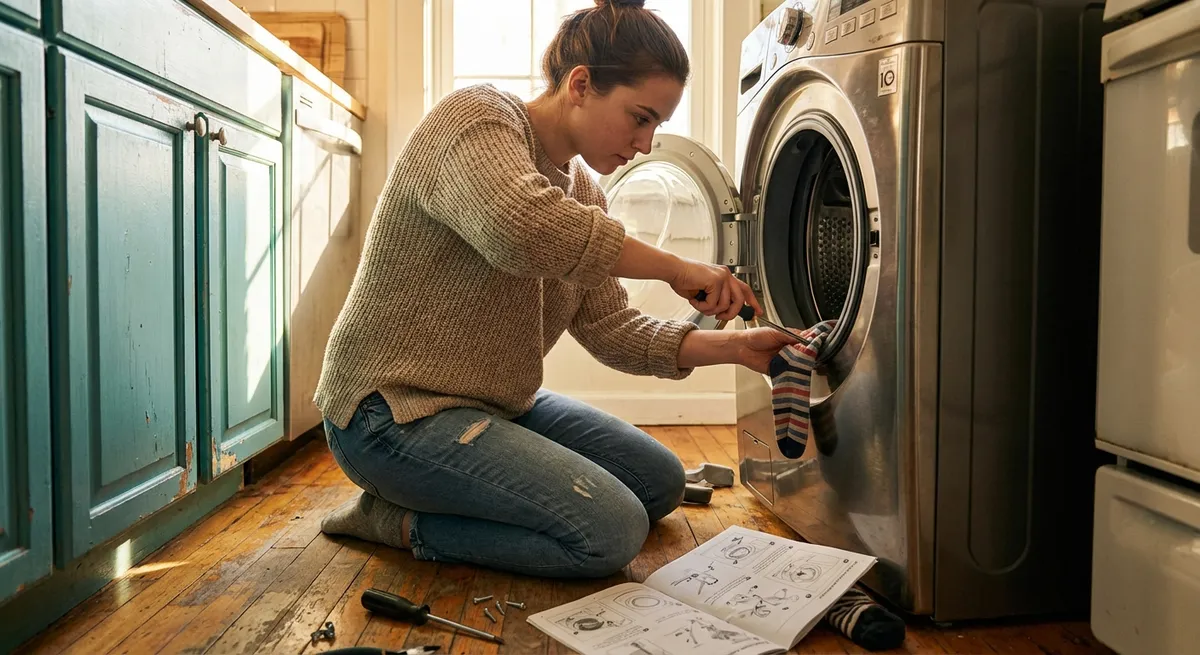
A lot of “broken” appliances aren’t actually broken—they’re just dirty, clogged, or slightly out of adjustment. With a basic toolkit and a calm approach, you can solve many common issues before paying for a service call or replacing the whole unit. Below are five practical, step‑by‑step repair tips DIYers can use to keep the most-used appliances in the house working longer and better.
Safety first: Always unplug appliances or switch off the breaker before opening panels, removing covers, or working near wiring or moving parts. If you ever smell burning, see scorch marks, or suspect a wiring problem, stop and call a professional.
Step 1: Restore Cooling Power to a Warm Fridge
When the refrigerator feels more like a pantry, the problem is often airflow or dirty coils—not a dead compressor. Fixing these is usually simple and makes a big difference in energy use.
How to troubleshoot and clean:
Check the temperature settings
Open the fridge and freezer and verify the temperature controls. Many models get bumped or switched during cleaning. - Fridge should be around 37–40°F (3–4°C). - Freezer should be around 0°F (‑18°C).
Inspect door gaskets (seals)
Run your hand along the door edge while the fridge is running; feel for cold air leaking out. Visually inspect the gasket for cracks, tears, or mold buildup. - Clean with warm, soapy water and a soft cloth. - If the gasket is warped or cracked, order a model‑specific replacement (installations are usually push‑in or screw‑on).
Clear interior airflow
Avoid overstuffing the fridge and freezer—blocked vents can’t move cold air properly. Move food away from vents on the back or sides. Keep space between shelves for air circulation.
Clean the condenser coils
- Unplug the fridge. - Pull it away from the wall (carefully) to access the back or bottom front grill. - Use a coil brush or long vacuum attachment to remove dust and pet hair from coils. - Work slowly to avoid bending the fins. Plug it back in and give it 24 hours to stabilize.
Listen for the fan and compressor
You should hear a gentle humming or cycling noise. If the fridge is still warm after cleaning coils and checking seals, and it’s not cycling on at all, this could indicate a failed start relay, thermostat, or compressor—at that point, getting a professional diagnosis is wise.
Step 2: Get a “Dead” Dishwasher Running Again
When the dishwasher won’t start—or runs poorly—simple checks often solve the issue. Many units stop working because of latch, filter, or drainage problems rather than major component failures.
Step‑by‑step checks and fixes:
Confirm basic power and settings
- Make sure the breaker isn’t tripped and the outlet works (test with another appliance). - Check that “Control Lock” or “Child Lock” isn’t engaged. Look for a padlock symbol or an illuminated indicator.
Inspect the door latch
The dishwasher won’t run if it thinks the door is open. - Open and close the door firmly; listen for a clear “click.” - Clean any food or detergent buildup around the latch with a damp cloth. - If the latch feels loose or doesn’t click, the switch may need replacement (usually accessible by removing the inner door panel—check your model’s manual).
Clean the filter and spray arms
- Remove the bottom rack. - Twist out the filter assembly at the bottom (most modern dishwashers have a removable screen and cylindrical filter). - Rinse under warm water and gently scrub with a soft brush. - Remove spray arms (if designed to be removable) and use a toothpick or small brush to clear clogged holes.
Check the drain path
- Inspect the drain hose under the sink. Make sure it’s not kinked or crushed. - If you have a garbage disposal, run it—many dishwashers drain through it, and a clog there can block draining. - Clean the air gap (if installed on the sink deck) by unscrewing the cap and clearing gunk.
Run a hot cleaning cycle
- Place a dishwasher‑safe cup of white vinegar on the top rack. - Run a hot or “clean” cycle with no dishes. This can help clear soap scum and mineral deposits. If you’re still seeing standing water or error codes after all this, you may be dealing with a faulty pump or sensor that calls for a technician.
Step 3: Fix a Dryer That Won’t Dry Clothes Completely
If you’re running load after load and clothes still come out damp, the problem is often airflow, not heat. Poor airflow wastes power, increases fire risk, and wears out the dryer faster.
Steps to restore drying performance:
Clean the lint filter properly
- Remove the lint screen and clean it before every load. - Every few weeks, wash the screen with warm water and a small amount of dish soap, then rinse and let dry. Fabric softener residue can create an invisible film that restricts airflow.
Inspect and clean the vent hose
- Unplug the dryer. - Pull it away from the wall carefully, avoiding stress on the vent hose. - Detach the hose from the dryer and wall/vent connection. - Use a vacuum with a long attachment or a dryer vent brush to clear lint from the hose and duct. - Reattach securely—avoid long, crushed, or sharply bent hoses.
Check the exterior vent hood
Go outside and locate the dryer vent. - Make sure the flap moves freely and isn’t blocked by lint, nests, or debris. - Clean around the opening and ensure strong airflow when the dryer is running.
Verify load size and settings
- Overloading traps moisture in the center of the pile. - Use sensor cycles correctly and avoid mixing heavy items (towels, blankets) with light synthetics in the same load.
If there’s still no heat at all
If the dryer tumbles but never heats, you may have a failed heating element, thermostat, or thermal fuse. - Accessing and testing these parts usually requires opening panels and using a multimeter. - If you’re not comfortable with electrical testing, this is a good point to call a pro—especially with gas dryers.
Step 4: Revive a Washing Machine That Shakes or Refuses to Spin
A washer that “walks” across the floor or stops in the spin cycle isn’t just annoying—it can damage the machine and surrounding area. Fortunately, most vibration and spin issues have straightforward fixes.
How to stabilize and restore spinning:
Level the machine
- Place a level on top of the washer (front and side to side). - Adjust the front (and rear, if adjustable) feet by twisting them until the machine sits level and doesn’t rock when you press on the corners. - Lock the feet, if your model has lock nuts.
Rebalance the load
If the washer is thumping or stopping mid‑spin, open it (when safe and allowed by your model) and rearrange the clothes. - Avoid a heavy clump on one side (e.g., all towels) and distribute evenly around the drum. - Don’t wash one bulky item alone; pair blankets, comforters, or large rugs with a few lighter items to balance.
Inspect the drum and suspension
- With the machine off, press down on the drum. It should bounce slightly but not slam or feel loose. - Loud banging or severe wobbling may indicate worn suspension rods (top‑loaders) or dampers/shock absorbers (front‑loaders). These parts are usually replaceable with basic tools, but often require removing panels—check your model’s service manual or a reputable guide.
Clean the drain pump filter (common on front‑loaders)
- Locate the small access door on the lower front panel. - Place a shallow pan and towels underneath. - Slowly open the drain cap and let water out. - Remove the filter and clear coins, hair, and debris. A clogged filter can stop the washer from draining fully, which also prevents spinning.
Double‑check the floor
Washers perform best on solid, non‑flexing surfaces. If yours sits on a raised, bouncy floor, adding a plywood platform or anti‑vibration pads can help—but they won’t fix a machine that’s badly out of level or has worn suspension parts.
Step 5: Bring a Slow or “Dead” Microwave Back to Life Safely
Microwaves store high voltage even when unplugged, so internal repairs (especially near the capacitor and magnetron) are not DIY‑friendly for most people. However, there are safe checks and fixes you can do before deciding to replace it.
Safe troubleshooting you can do yourself:
Verify power and door function
- Test the outlet with another device. - Try plugging the microwave into a different, known‑good outlet (without using extension cords long‑term). - Inspect the door: if it sags or doesn’t close firmly, the safety interlock switches may not engage, preventing operation.
Reset the unit (if applicable)
- Unplug for 2–3 minutes, then plug back in. - Some models have a reset function accessed through key combinations—check your manual or the manufacturer’s website.
Check cooking performance with a water test
- Place 1 cup (about 240 ml) of tap water in a microwave‑safe glass. - Heat on high for 2 minutes. - The water should be hot or near boiling. If it’s barely warm but the microwave appears to run normally, the magnetron or related high‑voltage parts may be failing.
Clean the cavity, vents, and turntable area
- Unplug the microwave. - Clean the inside with mild soap and water (avoid harsh chemicals or abrasives). - Remove and wash the turntable and support ring; clear crumbs under the plate. - Wipe external vents to remove grease and dust that can cause overheating and shutdowns.
Replace the charcoal or grease filter (over‑the‑range models)
- Check your manual for filter location—usually behind a grill above the door. - Remove the cover, slide out the old filter, and replace with a model‑specific new one. Restricted airflow can trigger safety shutoffs and reduce performance.
If your microwave shows signs of burning smells, arcing (sparks), or damage to the door or interior waveguide cover, stop using it immediately. Repairing internal high‑voltage components is typically a job for a qualified technician—or a sign it’s time for a replacement.
Conclusion
Most appliance problems start small: a dirty filter, a blocked vent, an out‑of‑level cabinet. Tackling those simple issues first can restore performance, extend the life of your machines, and keep money in your pocket. By learning a handful of basic checks—cleaning coils, clearing filters, leveling equipment, and verifying airflow—you turn “broken” into “fixed” more often than not.
Keep your owner’s manuals handy (or bookmarked online), respect safety limits, and know when to stop and call a professional—especially around gas, high voltage, or burned wiring. The more you practice these straightforward fixes, the more confident you’ll become every time an appliance starts acting up.
Sources
- [U.S. Department of Energy – Appliances & Equipment](https://www.energy.gov/energysaver/appliances-and-electronics) - Covers how appliances work, typical energy usage, and maintenance tips that improve efficiency
- [Consumer Reports – How to Fix a Refrigerator: Common Problems & Solutions](https://www.consumerreports.org/appliances/refrigerators/how-to-fix-a-refrigerator-a7210679313/) - Practical troubleshooting guidance for warm fridges and common failure points
- [Michael Bluejay – Clothes Dryer Repair & Maintenance](https://michaelbluejay.com/electricity/dryers.html) - Detailed DIY advice on dryer airflow, vent cleaning, and safety considerations
- [University of California Agriculture & Natural Resources – Home Dishwashers](https://anrcatalog.ucanr.edu/pdf/8263.pdf) - Educational overview of how dishwashers work and how to keep them running efficiently
- [U.S. Consumer Product Safety Commission – Home Electrical Safety Checklist](https://www.cpsc.gov/s3fs-public/5014.pdf) - Safety guidelines for working around household electrical appliances and recognizing hazards
Key Takeaway
The most important thing to remember from this article is that this information can change how you think about Appliances.



