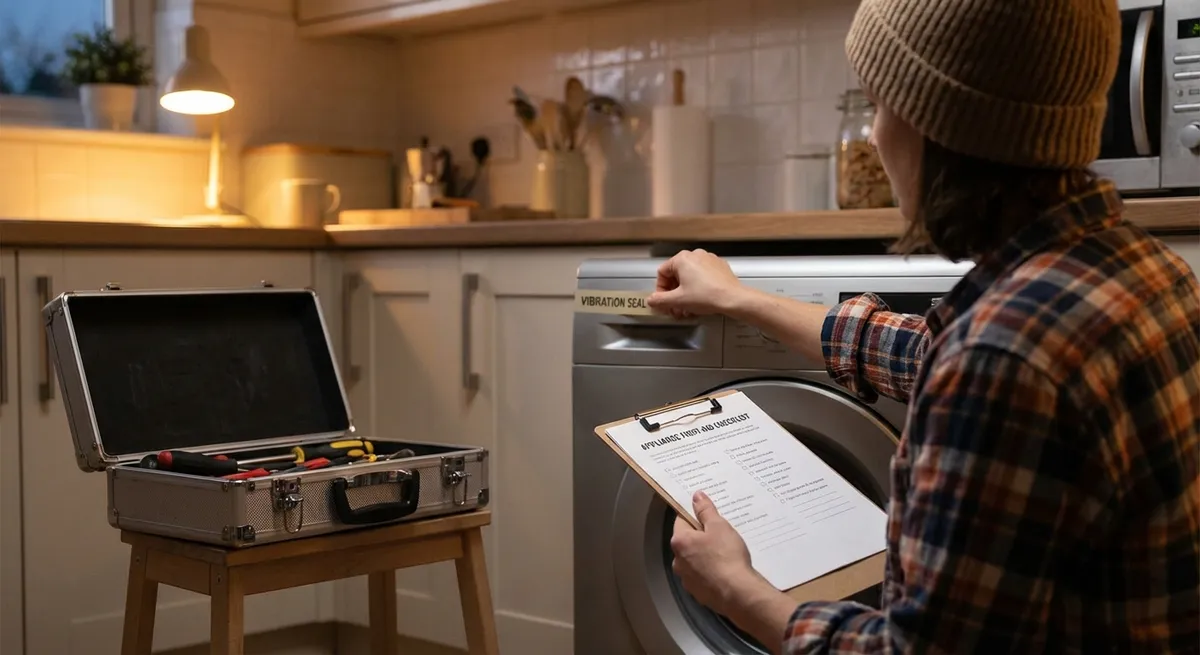
When a major appliance glitches, it’s tempting to panic—or grab your phone and schedule an expensive service call. But many common problems have simple, safe first steps you can handle yourself. These “first-aid” fixes won’t turn you into a pro overnight, but they can restore a dead machine, prevent damage from getting worse, or at least help you explain the issue clearly to a technician.
This guide walks through five practical, step‑by‑step repair tips for some of the most common home appliances. Each tip focuses on quick checks, easy tools, and safety‑first troubleshooting that a careful DIYer can handle.
Safety Setup: What To Do Before Any Appliance Repair
Before touching any appliance, get into the habit of a quick safety routine. It takes less than a minute but can prevent shocks, fires, and ruined equipment.
Disconnect power at the source
Always unplug the appliance or switch off the correct breaker in your electrical panel. Don’t rely on just “turning it off” at the control panel.
Shut off water or gas when relevant
For washers, dishwashers, and fridges with ice makers or water dispensers, close the water supply valve. For gas dryers or ranges, close the gas shutoff valve if you’re working near the connection.
Have basic tools ready
A simple kit is enough for most checks: - #2 Phillips and flathead screwdrivers - Adjustable wrench - Flashlight or headlamp - Needle‑nose pliers - Multimeter (for more advanced users)
Use your phone camera
Take photos before unplugging connectors or removing panels. This makes reassembly much easier and reduces mistakes.
Respect your limits
If you smell gas, see scorched wiring, or find standing water near live outlets, stop and call a pro. “DIY first-aid” is about safe, simple fixes—not heroics.
Step 1: Revive a “Dead” Washing Machine That Won’t Start
A washer that won’t turn on often looks terminal, but several simple checks can bring it back without touching the internal electronics.
Confirm outlet power, not just the control panel
- Plug a lamp or phone charger into the same outlet. - If it’s dead, check your breaker panel and reset any tripped breaker. - For GFCI outlets (often in basements, garages, or laundry rooms), press the “RESET” button.
Check the lid or door switch
- Many top‑load washers won’t run if the lid switch fails or the lid isn’t fully closing. - Gently press down on the lid where the switch sits; listen for a click. - On front‑loaders, look for bent or broken door latches that prevent a tight seal.
Inspect the control lock or child lock
- Many modern washers have a control lock that disables buttons. - Check the display for a lock icon; turn it off as described in your user manual (often pressing and holding a specific button for 3–5 seconds).
Reset the control board
- Unplug the washer for 5–10 minutes. - While it’s unplugged, press and hold the power button (if accessible) for 10–15 seconds to discharge residual power. - Plug it back in and see if the control lights behave normally.
Check the power cord and strain relief
- With the washer unplugged, look where the cord enters the machine. - If the cord is frayed, pinched, or loose, stop there—cord repairs should be done by someone comfortable with electrical work or a licensed tech.
If the washer powers on but throws error codes or stops mid‑cycle, document the code and symptoms; that information will be crucial for deeper DIY troubleshooting or a technician.
Step 2: Restore Cooling in a Fridge That’s Running Warm
A warm refrigerator doesn’t always mean the compressor is dead. Often, restricted airflow or simple settings are the culprit—and both are fixable at home.
Verify temperature settings and recent changes
- Check both fridge and freezer temperature settings: - Fridge: about 37–40°F (3–4°C) - Freezer: about 0°F (−18°C) - If you recently loaded warm groceries or adjusted settings, give the fridge at least 24 hours to stabilize.
Clear airflow inside
- Ensure food isn’t blocking vents along the back or sides of the fridge or freezer. - Avoid overpacking; cold air must circulate freely between compartments. - Check for ice buildup around air vents—this can mean a defrost or door seal problem.
Clean condenser coils
- Unplug the fridge. - Locate the condenser coils (underneath behind a kick plate or on the back of older units). - Use a vacuum with a brush attachment or a coil brush to remove dust, hair, and debris. - Cleaning coils can dramatically improve cooling, especially if you have pets.
Inspect door seals (gaskets)
- Close a sheet of paper in the door and gently pull. If it slides out easily with no resistance, the gasket may be worn or warped. - Clean gaskets with warm, soapy water to remove sticky residue that prevents sealing. - Check for visible cracks or gaps; replacement gaskets are often DIY‑installable with a screwdriver.
Listen for fans and compressor
- After plugging the fridge back in, listen: - You should hear a gentle hum or fan noise after a few minutes. - Total silence or clicking without starting can indicate a compressor, relay, or control issue—not a safe DIY job for most people.
If these steps don’t improve cooling after 24 hours, take note of sounds, patterns (runs briefly then shuts off, constant running, ice in the freezer but warm fridge), and error codes or flashing lights. That information will help guide the next level of diagnostics.
Step 3: Fix an Electric Oven That Won’t Heat Properly
Uneven baking or an oven that won’t reach temperature is frustrating but often traceable to simple parts and settings you can inspect safely.
Confirm the basics: mode and temperature
- Make sure you haven’t accidentally set the oven to “Warm,” “Proof,” or “Sabbath” mode. - Try a simple bake cycle at 350°F (175°C) and use an oven thermometer to check the actual temperature after 15–20 minutes.
Check for error codes and features like demo mode
- Some ovens have a “demo mode” where the display works but the elements don’t heat fully. - If the display shows a code, write it down and look it up in your manual or on the manufacturer’s website.
Inspect heating elements (electric ovens)
- Turn the oven off and let it cool completely. - Visually check the bake (bottom) and broil (top) elements for: - Blisters, breaks, or dark burn marks - Areas where the element is sagging or cracked - A broken element usually requires replacement, but it’s often a straightforward DIY job if you’re comfortable.
Check the oven door seal
- A worn gasket can let heat escape, causing long preheat times and uneven baking. - Inspect the entire gasket for gaps, cracks, or missing sections. - Replacement gaskets are typically held in with clips or screws and can be swapped using basic tools.
Reset the circuit and control board
- Turn off the oven’s breaker for 5–10 minutes, then turn it back on. - This can clear minor glitches in electronic control boards. - If the oven still doesn’t heat but the display works, there may be a failed relay, temperature sensor, or board—issues many DIYers can test with a multimeter, but which may be better left to a pro if you’re new to electrical work.
For gas ovens, additional checks (igniter glow, gas smell, burner flame) are involved. If you ever smell gas without ignition, turn the oven off, ventilate the area, and call a professional immediately.
Step 4: Quiet a Noisy Dishwasher and Improve Cleaning
A dishwasher that’s suddenly loud, leaving residue, or not draining fully often just needs cleaning and a few quick checks.
Clean the filter system
- Unplug the dishwasher or switch off the breaker. - Remove the bottom rack and locate the filter (usually a twist‑lock screen in the base). - Rinse it under warm water, scrubbing with a soft brush to remove food and grease. - Check the sump area below the filter for broken glass, bones, or foreign objects.
Inspect spray arms for clogs
- Gently remove spray arms (they either snap out or unscrew). - Run water through the holes; use a toothpick or soft brush to remove mineral deposits and food particles. - Avoid using metal tools that can enlarge holes and change spray patterns.
Check loading habits and detergent use
- Make sure tall items aren’t blocking the spray arms from rotating. - Avoid nesting bowls and placing large items in front of the detergent cup. - Use the correct type and amount of detergent for your water hardness; too much can cause residue and film.
Investigate unusual noises
- Grinding or rattling often comes from foreign objects in the pump or spray arms. - After cleaning the filter and sump, run a short cycle and listen. - If loud grinding persists, stop using the machine until you can inspect the pump housing or have a technician check it.
Address poor draining
- Check the drain hose under the sink for kinks or sharp bends. - If your dishwasher drains through an air gap (small device by the sink faucet), remove the cap and clean any debris. - Clean the sink’s garbage disposal if the dishwasher drains through it; a clogged disposal inlet can back up dishwasher water.
Most cleaning and inspection steps are simple and can dramatically improve performance. If you see water leaking from under the machine, stop and inspect visible hoses and door seals; beyond that, internal leak tracing is often a job for an experienced DIYer or pro.
Step 5: Help a Clothes Dryer Heat Better and Run Safer
A dryer that takes forever to dry or feels dangerously hot doesn’t just waste energy—it can be a fire risk if lint buildup is involved. Thankfully, the first checks are straightforward.
Clean the lint filter thoroughly
- Remove the filter and scrub it with warm water and a small amount of dish soap, then let it dry completely. - Fabric softener residue can create a nearly invisible film that restricts airflow.
Inspect and clean the vent hose
- Unplug the dryer. For gas dryers, shut off gas if you’ll be moving the unit. - Gently pull the dryer away from the wall and disconnect the vent hose. - Vacuum out lint from both the hose and the dryer’s vent outlet. - Replace crushed, kinked, or overly long flexible ducts with rigid metal ducting wherever possible.
Check the exterior vent hood
- Go outside and find the dryer vent. - Make sure the flap opens freely and isn’t blocked by lint, nests, or vegetation. - Clean out visible lint and verify strong airflow when the dryer runs (reconnect everything first).
Observe dryer behavior after cleaning
- Reconnect the vent, plug the dryer in, and run it on a normal heat setting with a small load. - If drying time is still very long but the dryer drum spins, you may have a failed heating element (electric), gas valve/igniter (gas), or internal sensor issue.
Don’t ignore burning smells or very hot surfaces
- If you notice a burning smell or the sides of the dryer become unusually hot, stop it immediately. - Clean lint thoroughly again and inspect for any visible scorched areas around the venting path. - Persistent burning smells after cleaning are a red flag—get a professional to inspect for internal lint buildup or electrical faults.
These steps not only improve drying performance but also reduce one of the most common causes of appliance‑related house fires: clogged dryer vents.
Conclusion
You don’t need a workshop full of tools or years of experience to handle the first line of defense when appliances act up. By learning a few safe, systematic steps—checking power and settings, improving airflow, cleaning filters and vents, and inspecting visible wear points—you can restore function, prevent damage from escalating, and know when a problem truly deserves professional attention.
Treat these five repair routines as your appliance “first‑aid kit.” Use them when trouble appears, and repeat the cleaning and inspection steps regularly. Your machines will run better, last longer, and cost you less in emergency calls—and you’ll feel a lot more in control when something suddenly stops working.
Sources
- U.S. Consumer Product Safety Commission – Home Electrical Safety – Guidance on safely working around household electricity and appliances
- U.S. Fire Administration – Clothes Dryer Fire Safety Outreach Materials – Data and best practices on preventing dryer fires, especially through vent and lint maintenance
- Energy.gov – Refrigerator Maintenance for Energy Savings – Official tips on cleaning coils, checking seals, and optimizing refrigerator performance
- Consumer Reports – Dishwasher Not Cleaning Dishes Well? – Practical advice on filters, spray arms, and loading for better dishwasher performance
- Whirlpool Product Help – Common Washer Troubleshooting – Manufacturer documentation on basic washer checks, error codes, and safe DIY steps
Key Takeaway
The most important thing to remember from this article is that this information can change how you think about Appliances.



